Explainer: What is Snapchat?

Snapchat is a messaging app used to send or share photos, video, text and drawings to friends. It is free to download and is hugely popular, especially among young people.
A key feature that distinguishes it from other message apps is its focus on disappearing content. Messages are designed to disappear after being viewed, although users do have control over how long the content stays visible.
How does it work?
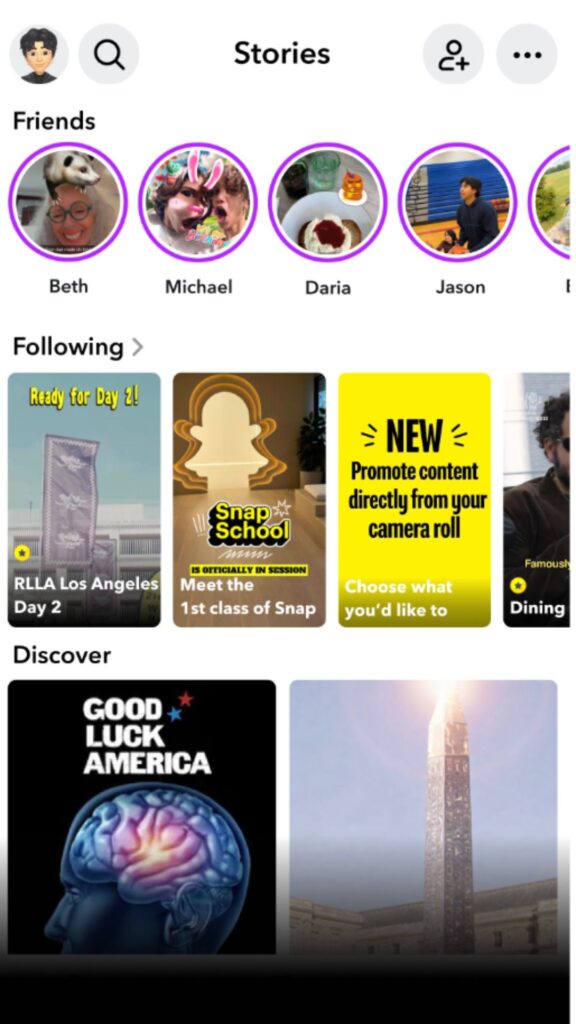
Users can take photos, record videos, add text or drawings (called Snaps) and send them to friends. Snaps sent directly to a friend disappear after they have been viewed, although recipients can replay them once and some content may be saved in chat if both users choose to do so. Snaps added to a user’s Story, can be viewed by all friends or a wider audience depending on privacy settings, disappear after 24 hours. In addition to messaging, Snapchat includes short videos (called Spotlight), video chat, photo storage (called Memories), and generative AI features. Snapchat also has a location-sharing feature called Snap Map, which allows users to share their location with friends if they choose.
Why do teens like it?
Snapchat is very popular with Irish teens, and it allow them to connect with friends in variety of ways. Features like Snaps, filters, Streaks, and group chats make it easy to communicate casually with friends and share everyday moments. The app’s creative features can support entertainment, and users can also follow celebrities, creators, and brands that they are interested in.
What are the age restrictions?
According to Snap’s terms of service, users must be at least 13 to set up a Snapchat account. However, users can easily bypass this by giving a false date of birth when signing up.
What are the key features?
Snaps and Chat
Snaps are photos or videos that are sent directly to friends, while Chat allows users to send text messages, voice notes, images, and other media. Users can also communicate in groups, sharing content with multiple friends at once. Many Snaps and messages are designed to disappear after viewing, although users can adjust settings to that some content is saved or remains visible for longer.
Stories
Stories let users share photos and videos with all their friends in a single feed that lasts for 24 hours. Depending on the privacy settings, Stories can be shared publicly beyond the user’s friend list.
Spotlight
Spotlight is Snapchat’s short-form video feed, similar to other social media platforms focussed on viral content. It allows users to watch trending videos, share their own, content with a wider audience, and discover popular posts.
Snap Map allows users to share their location with friends if they choose to do so. It also lets users view Snaps from specific places or events.
Memories
Memories is a feature that allows users to save Snaps and Stories in the app. The aim is to enable users to look back on past content, organise posts and store private content.
Streaks
Streaks track how many consecutive days two users have sent Sanps to each other. A fire icon appears next to active streaks, with a number indicating the length of the streak.
Lenses and filters
Lenses and filters allow users to add effects to faces and surroundings. These can change appearance, alter voices, and add animations or overlays.
My AI is a chatbot included in a user’s friend’s list. Users can chat with it directly, ask questions, ask questions or get advice. It is opened like a normal chat, and it responds within the messaging screen in the app.
Safety Features
Age based protections
For users aged 13-17, Snapchat applies stronger default safety settings. Including having teen accounts private by default, location sharing turned off by default, and teen accounts are also less visible in search and friend suggestions – making it less likely that they will be contacted by strangers.
The additional safeguards for younger users also include In-Chat Warnings if they send or receive a message from someone they don’t know; Age-Appropriate Advertising; only allowing tagging of existing friends, or users they follow that have public profile.
These protections are only applied if a user signs up with the right age, which is why it is important that users enter their real date of birth
Reporting and blocking tools
To prevent further unwanted contact users can report and block other people, and remove people from their friends list. Reporting tools can be used to flag content that is harmful, violent, offensive or otherwise breaches Snapchat’s Community Guidelines.
Snapchat Family Center
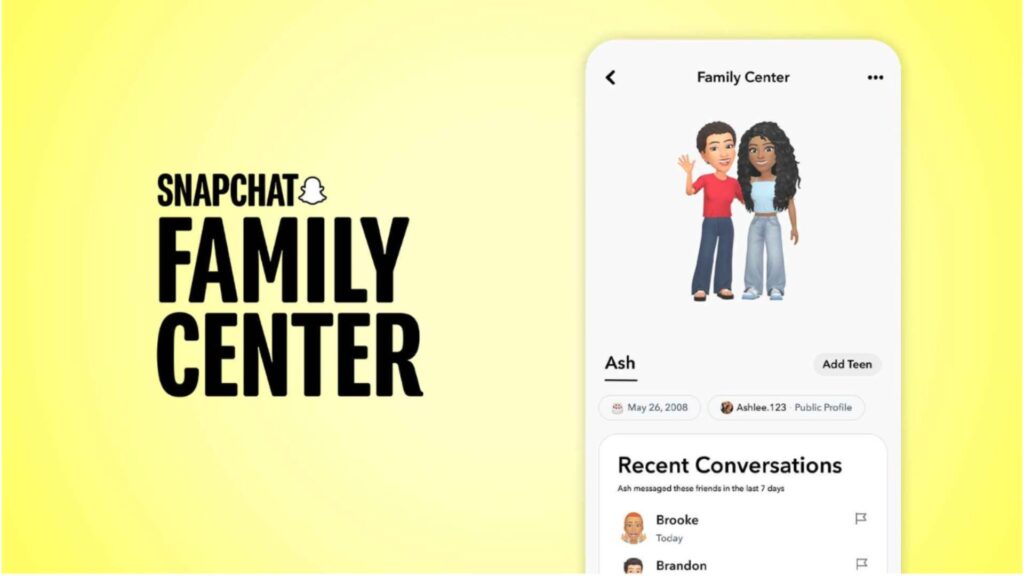
Parents and carers can access in app parental controls through Snapchat’s Family Centre. To set these up parents must download Snapchat to their own device, login or create an account, and the follow the steps to invite their teen to join Family Centre. The parental controls available through Snapchat’s Family Centre include visibility of their child’s friend’s list; see who your child has been chatting to; requesting their location details; and monitor the amount of time they spend on the app.
What are the risks?
Snapchat presents many of the same risks as other social media and messaging platforms:
Disappearing Messages
Snaps and chats may disappear after viewing, but the temporary nature of the communication can be misleading. It can potentially pressure users to respond quickly or impulsively on the presumption that the content will “disappear”. However, screenshots or external devices can be used to save and share messages or images indefinitely. Teens should be reminded that regardless of how temporary a message feels, anything they share can be permanently captured by another users.
Bullying and harassment
There is the potential for teens to encounter bullying or harassment from other users. This can be experienced for example through messages, images, or group chats, and the disappearing nature of Snaps can make it more difficult to keep a record of the evidence. Features like group chats, Snap Map, and Streaks can also contribute to feelings of exclusion or pressure, especially if users are left out of connections or feel under pressure maintain connections with friends.
Unwanted contact from strangers
There is also a risk of contact from strangers, particularly if privacy settings are not restricted to “friends only”. This can include unwanted from friend requests, messages, or attempts by strangers to engage in conversation.
Inappropriate content
While teens can discover content that they are interested in within the Spotlight of Discover sections of Snapchat, these public content areas may also expose users to inappropriate, or harmful content, including misinformation or age-inappropriate content.
Location sharing
Location sharing through Snap Map can present safety concerns if users share their location too widely. Teens should be reminded of the importance of keeping location settings carefully managed so that others don’t see where they are in real time.
Advice for Parents
Explore Snapchat yourself
Understanding how the app works can help you support your child to use it safely and responsibly. Taking time to explore its features and privacy settings together can also give you a better understanding of how your child experiences the platform.
Keep conversations open and regular
Having regular open conversations with your child is the most effective way to support your child online. Ask your child what they enjoy about the app, how they use features like Stories, streaks or Snap Map, and who they talk to. It can help to understand what they like about the app, and challenges that they see, and remind them that they can come to you if something upsets or bothers them online.
Review privacy settings together
Go through privacy settings with your child. Encourage them to limit contact to friends they know, review who can see their Stories, and think carefully about location sharing through Snap Map.
Remind your child that online content can last
Even though Snapchat is designed around disappearing messages, photos and chats can still be saved, copied, or shared. Encourage your child to think before sending anything personal, and remind them that anything they share can go beyond the person they sent it to.
Talk about pressure and wellbeing
Features like streaks and constant notifications can create pressure to stay online and respond quickly. Help your child build healthy habits around screen time, sleep, and taking breaks from devices. Encourage them to have a healthy balance of online and offline activities.
Agree Rules
It can be helpful to agree rules together to set clear expectations about how the internet and technology are used at home. Every family is different, and the Webwise Family Agreement Template can help you focus on what is most relevant for your family and your child’s age.
Parental Controls
Through Snapchat’s Family Centre parents can review and monitor who their child is friends with and who they are chatting to, although the content of the chat remains private. To use Snapchat’s Family Centre the parent must have their own device and Snapchat account.
Useful Resources:
Webwise Parents Hub
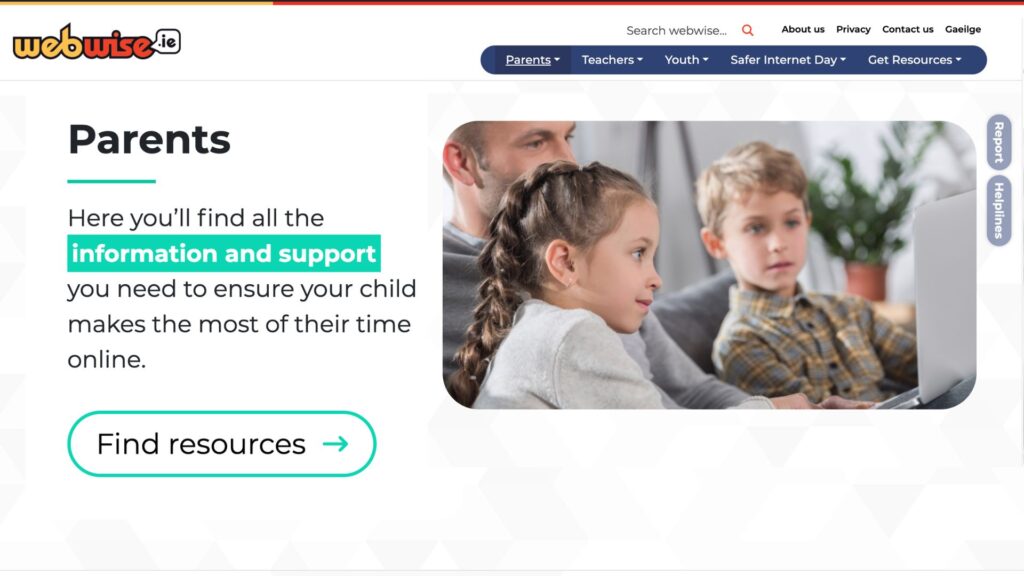
The Webwise Parents Hub has advice from experts on key online safety topics; Explainer Guides; Talking Points; How-To Guides; and free resources.
Talking about online safety

Aine Lynch, CEO National Parents Council, has practical advice and guidance on talking to your child about being safe online.
Family Agreement
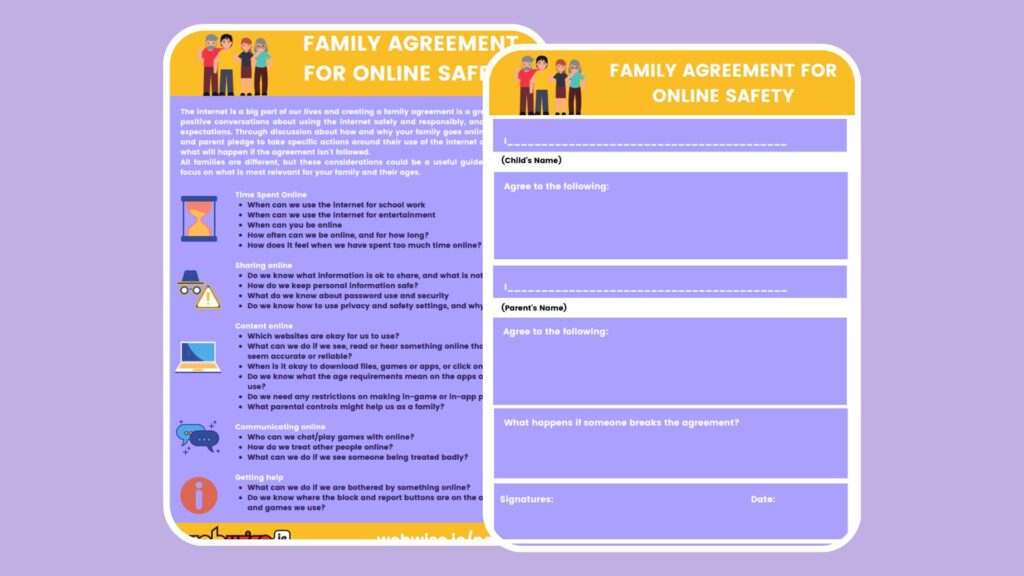
Every family is different, and creating a Family Agreement is a great way to agree rules together about how you as a family use the Internet and technology.
Talk Listen Learn Topic Generator
The Webwise Talk Listen Learn Topic Generator is a fun way to begin conversations with your family about the benefits and challenges of being online.
A Parents’ Guide to a Better Internet
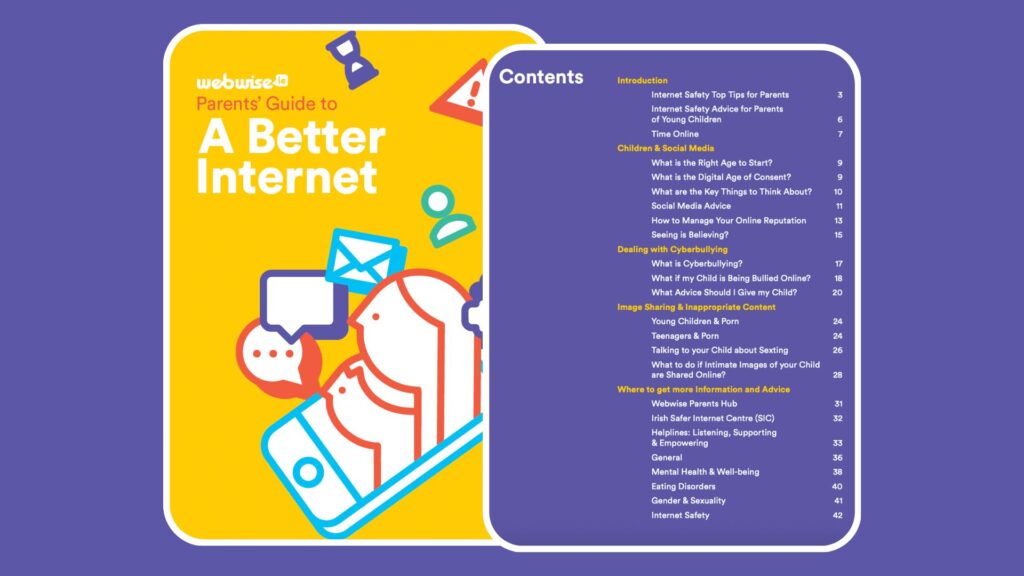
Advice and guidance on key topics for parents of children of all ages.
A Parents’ Guide to GenAI
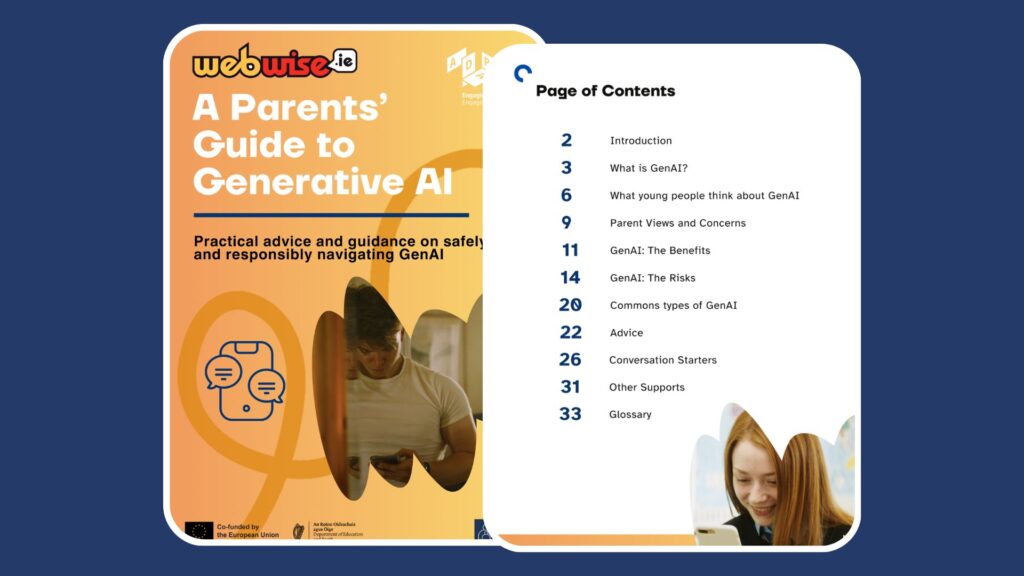
Practical advice and guidance on safely and responsibly navigating GenAI.