Explained: What is YouTube Shorts

YouTube Shorts is a feature of the YouTube platform similar in style to TikTok and Instagram Reels. While these vertical videos can last up to 3 minutes, they are often much shorter.
The content frequently features music, text, visual effects, and viral challenges. Because these clips are brief and visually engaging, users can easily scroll through multiple videos.

How does it work?
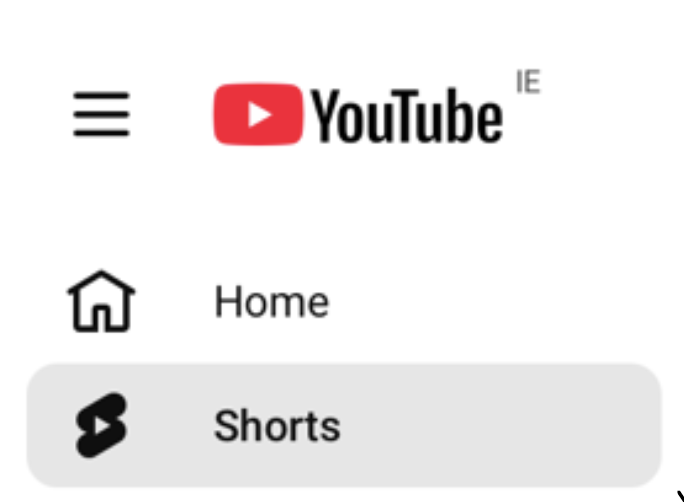
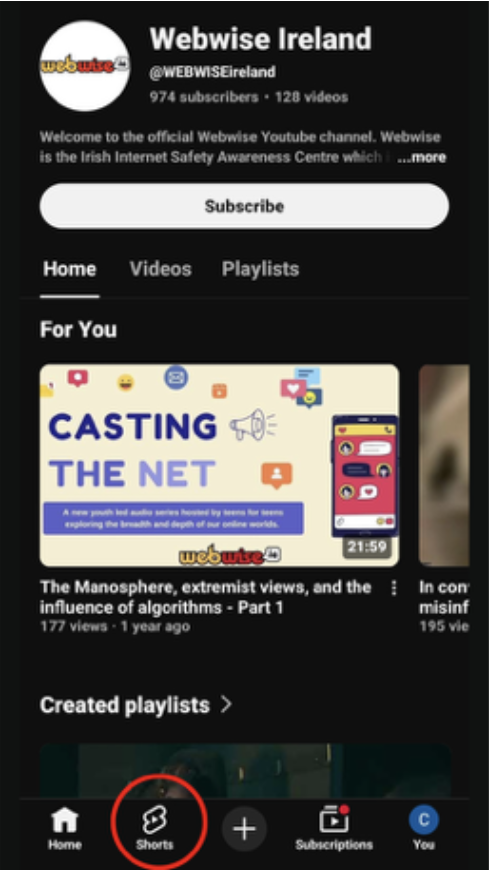
YouTube Shorts appears in a dedicated area of the YouTube app or website. On a phone or tablet, there’s a “Shorts” tab at the bottom of the screen.
Tapping it opens a stream of videos that users can swipe through one at a time. YouTube’s recommender system selects content based on what a user has watched previously and what is trending, so new content is often shown without searching. Creators can make Shorts directly in the app using tools to add music, text overlays, and simple edits.
YouTube Shorts has grown rapidly in popularity and is similar to other short-form video platforms like TikTok and Instagram Reels. All three feature vertical videos, but Shorts is integrated into the wider YouTube platform, so after watching a Short, users can move on to longer videos, playlists, or channels.
Why children like it
Many young people enjoy YouTube Shorts because the format is fast and varied. Short videos often feature humour, trends, dance clips, gaming moments, or snippets from creators. Because they are brief and personalised by the algorithm, it’s easy to keep watching one after another. Shorts can also include advertisements, which may appear between videos or as part of sponsored content. Even though the videos are brief, children can be exposed to multiple ads in a short period.
How does it differ from other platforms?
Compared to Normal YouTube
The main difference between YouTube Shorts and standard YouTube videos is the length and format. While normal videos can last several minutes or even hours and are usually watched with more focused attention, Shorts are designed for rapid, casual viewing. They appear in a vertical, full-screen feed and are easy to swipe through one after another. Unlike traditional YouTube, Shorts are more trend-driven, and users may discover content they didn’t specifically search for.
Compared to TikTok and Instagram Reels
Shorts shares similarities with TikTok and Instagram Reels, but there are differences. Shorts are integrated into the main YouTube platform, so after watching a Short, users can easily switch to longer videos or playlists. TikTok focuses solely on short-form content, while Reels are part of Instagram’s broader social media platform.
What is the minimum age requirement?
According to their terms of services, users must be 16 years old to use YouTube. If a user is under 18, they must have their parent or legal guardian’s permission to use the Service according to their Terms of Service. However, anyone can easily set up a YouTube account with a false date of birth and users can access YouTube without an account.
Safety features
When younger users provide their real age, YouTube automatically applies age-appropriate measures including potentially filtering out mature or inappropriate content, restricting targeted advertising and enabling wellbeing features such as break reminders. Without an accurate age, these safeguards don’t apply.
Even with these automatic protections in place, it is important to also implement appropriate parental controls. Tools like Google Family Link give parents the ability to set up privacy and safety settings appropriate for their child and have visibility of what their child is watching.
What are the risks?
As with many apps and platforms, there are risks that parents should be aware of:
- Platform design and excessive scrolling
- Like other short-form video platforms, YouTube Shorts is designed to keep users on the platform for as long as possible through features like the continuous scroll. This can make it especially difficult for children and young people to manage their time on the platform.
- Exposure to inappropriate content
- Even with filters, children may inadvertently encounter inappropriate or offensive content.
- Powerful algorithms
- The algorithm tracks viewing habits to suggest similar content, which can create a “Rabbit Hole” effect. This means a child may be repeatedly shown the same types of videos, potentially reinforcing narrow or harmful views and limiting the variety of information they encounter.
- Misinformation and disinformation
- The rapid pace of short-form video can make it difficult to judge whether information is accurate and reliable. The high engagement, viral nature of this format, and the growing presence of AI generated content increase the potential for the rapid spread of misinformation and disinformation. Children and young people may be more likely to accept what they see, read or hear as factual, even when it’s not.
- Advertising and influencer marketing
- Children may be exposed to advertising or influencer marketing without understanding it. Promotions or ads can look like regular videos, making it difficult to distinguish between organic and paid content or subtle promotions.
Managing YouTube Shorts: Parental Controls
Parental controls are available through Google Family Link which allows parents to manage settings for their child’s use of their Google account and devices, including YouTube. It gives parents options to apply controls including screen time limits, content settings, and activity monitoring.
Among the controls, parents can:
- Set daily screentime limits
- Manage or restrict certain features (for example, YouTube Shorts)
- Set content levels and filtering
- Disable auto-play
- Review watch and search history
Parents can also now specifically manage how much time their child spends on the Shorts feed. There are two primary ways to apply these limits, depending on whether you want a reminder or a stricter restriction.
Option 1: In-App Time Management
This setting is designed for users to monitor their own habits. It acts as a notification reminder rather than a block.
- How it works: A reminder appears once the daily limit is reached. However, the user can choose to “Ignore limit for today” and continue scrolling.
- Limitations: It can be easily turned it off or adjust the time (the lowest setting is 15 minutes).
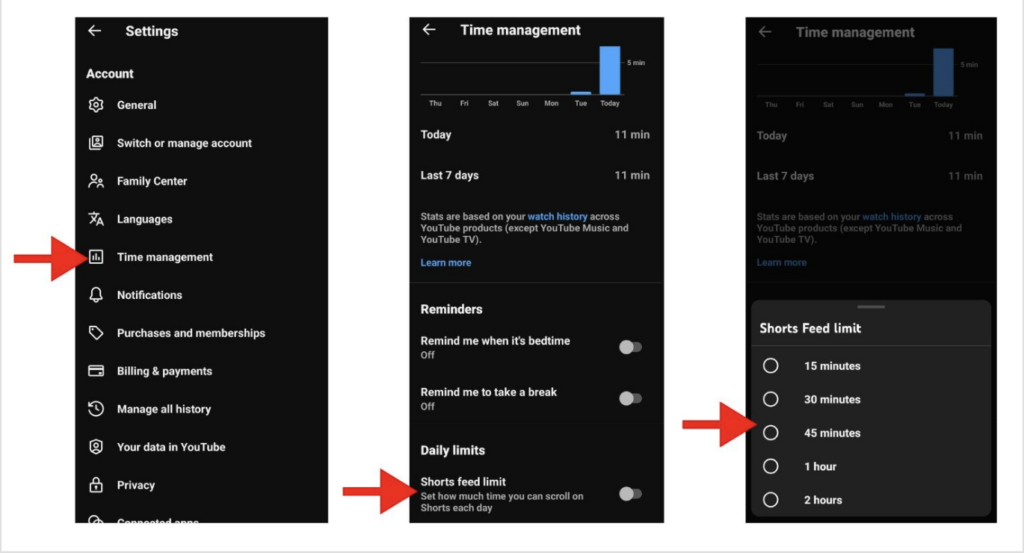
- Setup: Go to My YouTube > Settings (gear icon) > Time management > Limit for the shorts feed.
Option 2: Google Family Link
To prevent a child from bypassing or disabling the limit, you must use the Google Family Link app on your own device.
- How it works: This allows you to set a mandatory daily limit that locks the feed once reached. Setting the limit to 0 minutes effectively deactivates the Shorts feed.
- Note: In the settings list, selecting “Off” disables the limit, not the feature itself. To block the feed, ensure the time is set to 0.
- Setup: Open Family Link > Settings > YouTube > Time management > Limit for the shorts feed.
Note: Shorts may still appear in search results, and restrictions can be bypassed if a child uses a web browser without logging in.
Parents can also help to manage their child’s recommendations by clearing their watch and search history in the YouTube or Family Link settings. This can help to reset the algorithm and stops the cycle of repetitive or unwanted content.
You can also teach them to use the Not Interested or Don’t Recommend Channel options on individual videos to manually adjust their feed and keep the content varied.
While these tools are a great support to help your child have a safe experience, they are not a guarantee. They are most effective when paired with regular open conversations about why these limits and rules exists, and how to be safe and responsible online.
In addition to setting up parental controls, here are some useful tips for parents.
Advice for parents
Get informed
Take the time to explore YouTube Shorts yourself, which will help you understand its fast-paced nature and potential risks. Familiarising yourself with the platform allows you to decide if it is appropriate for your child’s age and the parental controls available.
Privacy and Safety
Talk about privacy and safety by discussing the risks of sharing personal information in comments or video uploads. Help your child understand how the algorithm tracks their data to suggest similar content and show them how resetting it can keep their feed varied. Encourage them to use supervised settings and ensure they know how to report any content that makes them feel uncomfortable or unsafe. Learn more in our Explainers to Online Algorithms and How to reset your algorithm.
STOP, THINK, CHECK
Promote critical thinking by encouraging your child to think carefully about the trends and information they see. Remind them that short clips often lack context and aren’t always accurate or reliable, and let them know they can always reach out to you or a trusted adult if they need support.
Show Respect
Encourage responsible use by discussing how to engage with other users and creators in a positive and ethical way.
Strike a healthy balance
Remind them that while Shorts can be a great source of creativity or inspiration, they should be used in moderation and should not be their only source of entertainment or information. YouTube can be a great resource, help them to find good quality and useful content.
Agree Rules
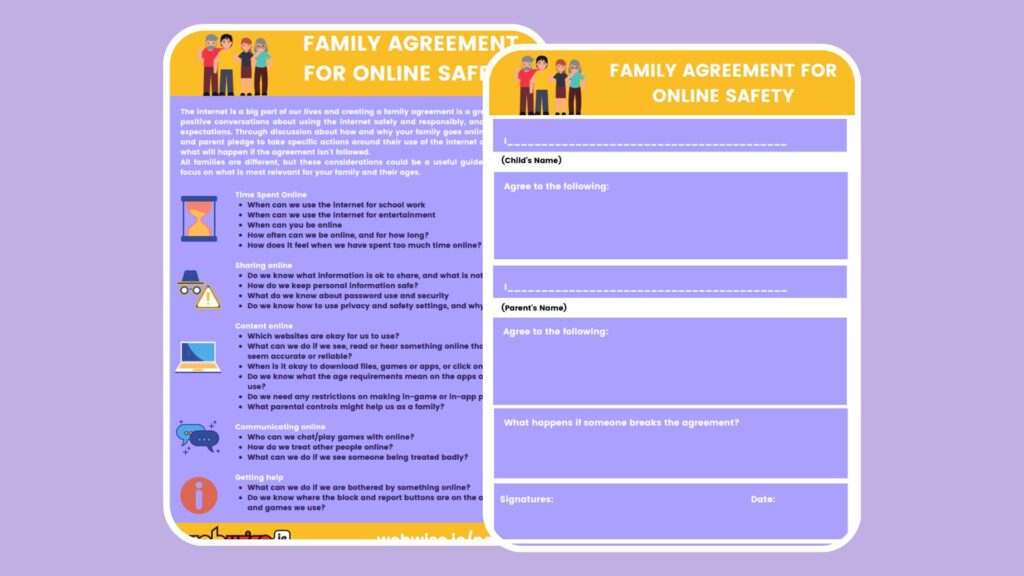
It can be helpful to agree rules together to set clear expectation about how you use the internet and technology. Every family is different – the Webwise Family Agreement Template is a useful guide to consider how to focus on what is most relevant for your family and their ages.
Ongoing Conversations
The most effective way parents can help to ensure that their child has a safe and positive experience is to have open and ongoing conversations with them about their lives online, and the benefits and the challenges that they encounter.
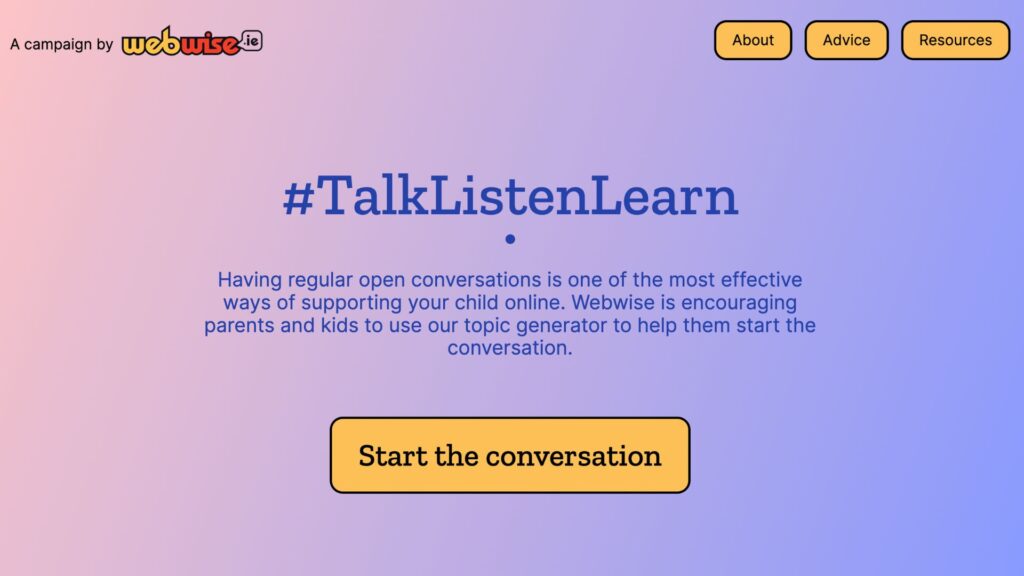
Our #TalkListenLearn online topic generator is a great way for all families to start the chat.
Useful Resources
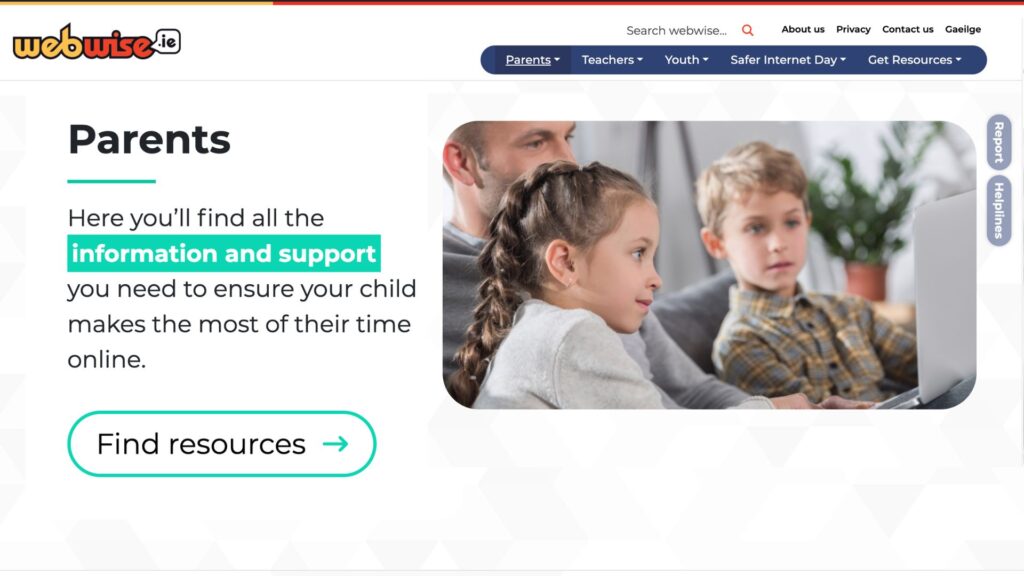
The Webwise Parents Hub has advice from experts on key online safety topics; Explainer Guides; Talking Points; How-To Guides; and free resources.
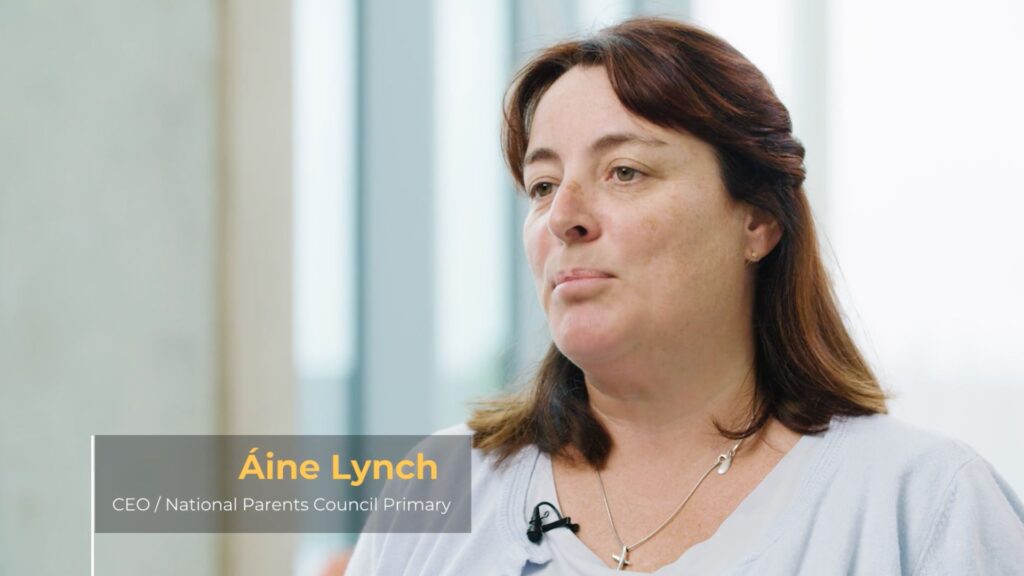
Talking to your child about online safety
Aine Lynch, CEO National Parents Council, has practical advice and guidance on talking to your child about being safe online.
Talk Listen Learn Topic Generator
The Webwise Talk Listen Learn Topic Generator is a fun way to begin conversations with your family about the benefits and challenges of being online.
Every family is different, and creating a Family Agreement is a great way to agree rules together about how you as a family use the Internet and technology.
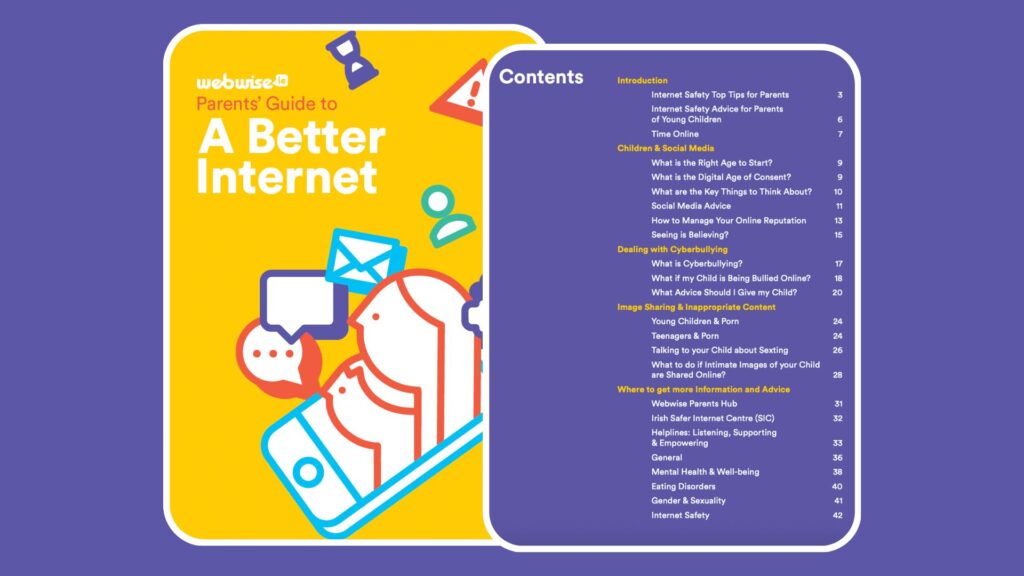
A Parents Guide to A Better Internet
The Webwise online safety booklet for parents has advice and guidance on key topics for parents of children of all ages.
Generative AI is increasingly part of everyday life. This guide, developed in collaboration with the ADAPT Centre and the National Parents Council, has practical guidance to help families navigate GenAI.