Explained: What is Roblox?
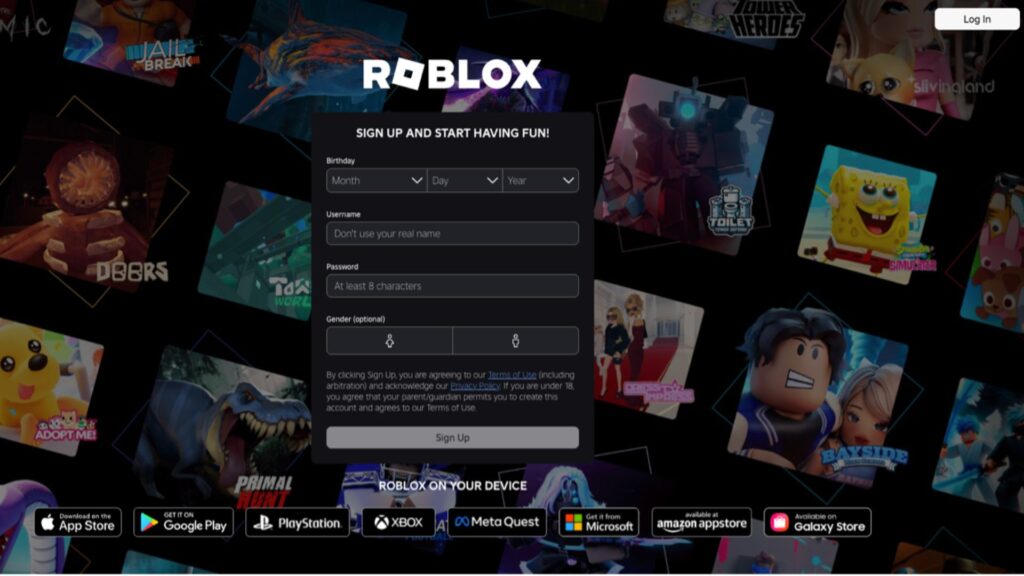
Roblox is an online platform where users can play, create, and share games. Unlike a traditional video game, Roblox has millions of games that are created by users on the platform, featuring activities from adventure and role-playing games to obstacle courses, and creative building experiences.
How does it work?
Users create an account and access Roblox through a computer, smartphone, tablet, or games console. Once logged in, they can browse a library of user-created games and experiences, join games, and play alone or with others online.
Users can customise their avatar, build friends lists, and communicate with other players through chat and messaging features, subject to account settings.
Using Roblox Studio, Roblox’s game development tool, users can also design their own games and experiences and share them with the wider community. Roblox also uses a virtual currency called Robux, which can be purchased with real money and used to buy in-game content or special features.
Why do children like it?
Roblox is hugely popular with children in Ireland and around the world. Its appeal comes from the variety of experiences available on the platform, which can combine gaming, creativity, and social interaction. With millions of experiences available, users can explore a wide range of games and activities, including adventure, role-play, sports, racing, puzzles, and creative building experiences.
New content is added regularly, giving access to an ever changing selection of experiences. Many users enjoy Roblox because it allows them to play with friends, customise their avatars, and explore games that reflect their interests.
What is the age requirement?
Roblox requires users to be at least 5 years old to create an account. The platform has a PEGI ‘Parental Guidance Recommended’ rating which is an advisory that reflects the high volume of user-generated content and that some experiences may be more suitable for different age groups.
Roblox announced new age-based accounts for three age-based categories to roll out in June 2026. The accounts different levels of communication and content access.
Roblox Kids (ages 5–8) – chat is disabled by default, content ratings limited to “Minimal” or “Mild”, parents can optionally enable in-game chat through a linked account, and can block or allow specific games.
Roblox Select (ages 9–15) – more chat features with safeguards, includes content rated from “Minimal” to “Moderate.” Parents can still manage access to specific games and controls through a linked account.
Roblox (ages 16+) – allows broader chat features where available, gives access to most content except “Restricted” (18+), parents have visibility of their child’s friends, screentime, and spending.
As with many online platforms, account types, safety features, and parental controls may change or be updated over time, so parents may wish to check in on updates occasionally.
What are the safety features?
Reporting and Blocking
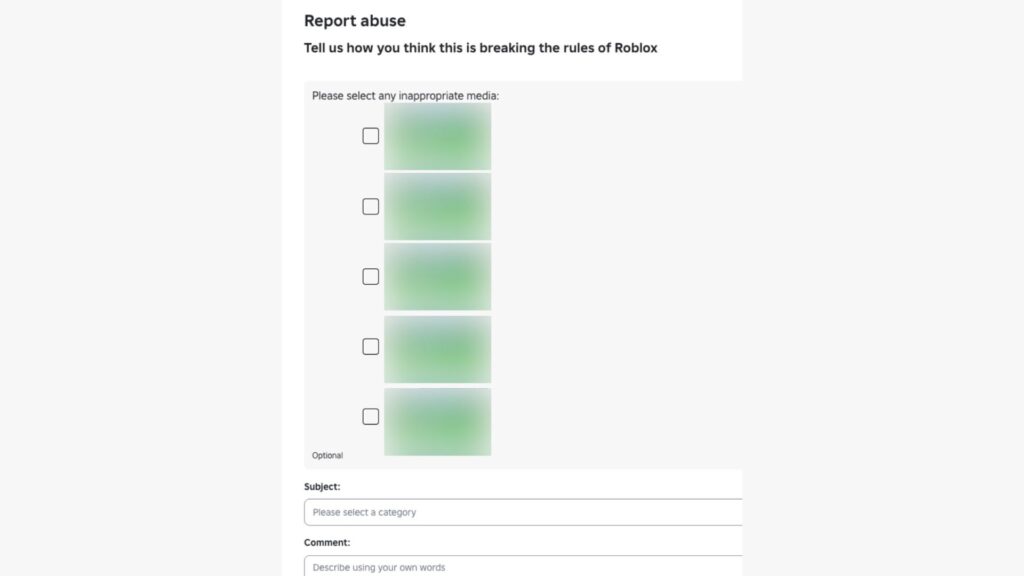
Users can report and block other users directly on the Roblox platform.
Blocking a user prevents further interaction, including chat and other communication, and is done from the user’s profile or in-experience menu.
Users can report behaviour or content that violates Roblox rules, including bullying, harassment, or inappropriate content. Reports are reviewed under Roblox’s Community Standards and moderation systems.
Content maturity labels
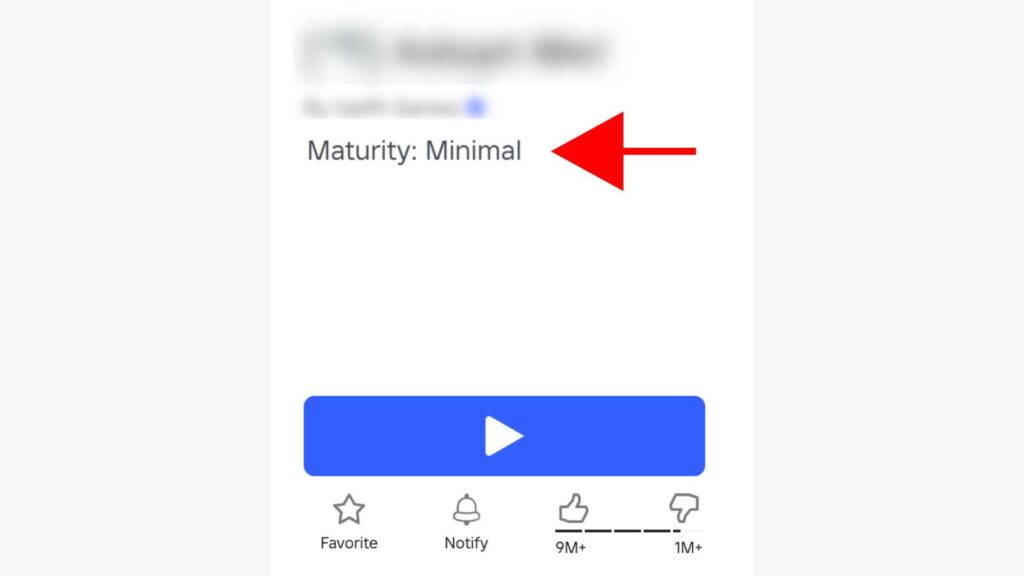
Roblox uses content maturity labels to indicate the type of content a game contains, which can help users and parents understand the level of maturity and make more informed decisions.
The current Roblox content maturity labels are:
Minimal – May contain occasional mild violence, light unrealistic blood, and/or occasional mild fear.
Mild – May contain repeated mild violence, heavy unrealistic blood, mild crude humor, and/or repeated mild fear.
Moderate – May contain moderate violence, light realistic blood, moderate crude humor, unplayable gambling content, and/or moderate fear.
Restricted – May contain strong violence, heavy realistic blood, moderate crude humor, romantic themes, unplayable gambling content, the presence of alcohol, strong language, social hangouts and private spaces, extended AI interactions, and/or moderate fear. These experiences are only available to 18+ users who are age checked.
Parental Controls
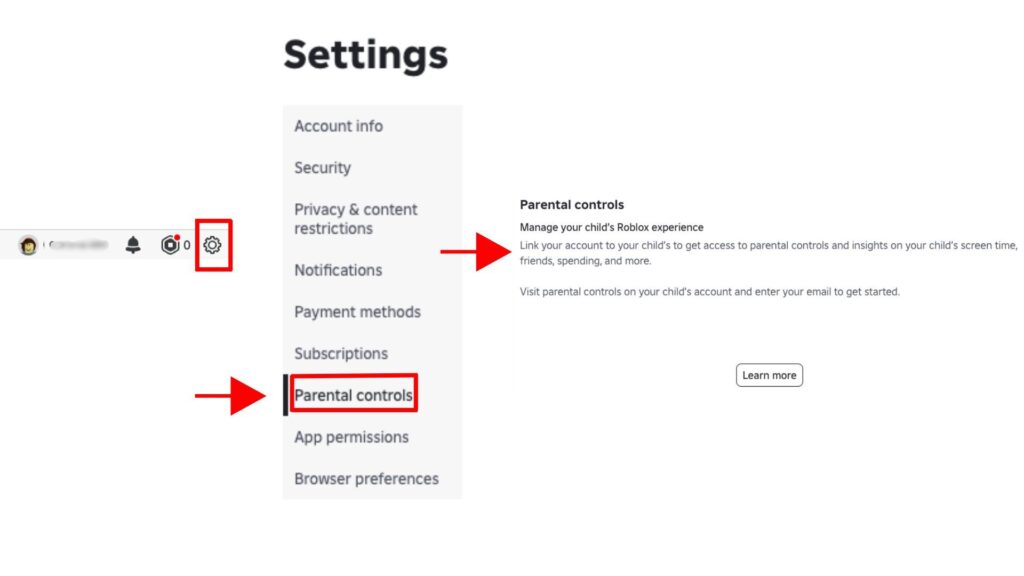
Parental controls can be enabled on Roblox to help parents monitor and manage their child’s experience. To set these up parents need a Roblox account linked to their child’s account.
These tools give parents control over:
Content: setting content maturity level, approving or blocking specific games, and restricting sensitive issues content
Communication: managing game chat, direct chat, party/group chat, and who your child can interact with
Friends: view, block, or report connections; manage friend lists and private server access
Spending: set monthly spending limits and control purchase notifications for Robux and subscriptions
Screen time: set daily time limits and view usage insights such as the games your child plays most often.
What are the risks?
Inappropriate Content
While there are safety tools and content moderation, the platform has a vast amount of user-generated content. This means experiences can vary in quality and appropriateness, and some content may not be suitable for all ages. Though there are content maturity labels and moderation, there is the potential for inappropriate themes or content to appear or be mislabelled. You can report and/or block games that you believe don’t have the appropriate rating, encourage your child to report or block any inappropriate games and to speak to you if something bothers or upsets them.
Interactions with others
Roblox is a social platform, and children may interact with others through text chat, voice chat (in games where it is enabled and available to eligible users), friend connections, and multiplayer gameplay. While filters and moderation are in place and parental controls are available, there is still the potential of exposure to unwanted communication or inappropriate behaviour from other users. Voice chat, when available to a user, can make interactions feel more immediate and personal, which may increase the likelihood of children sharing information or engaging with strangers without fully recognising the risks.
As with any online social environment, there is also a risk that some individuals may attempt to target or exploit younger or more vulnerable users. While the risk of unwanted contact can be reduced through parental controls such as restricting communication settings and limiting who can interact with your child, it is also important that children understand:
- not to share personal information such as their name, address, school, or contact details
- that people online may not always be who they claim to be
- to speak to a trusted adult if something feels uncomfortable or confusing
- to use in-game reporting and blocking tools if someone behaves inappropriately
- to be cautious if asked to move conversations to other apps or platforms such as messaging or social media services
In Platform Spending and Scams
Roblox uses Robux for in-game purchases such as items and upgrades. This can potentially create pressure on children to spend and may lead to unintended purchases without controls in place.
Children may also encounter scams, such as fake offers for “free Robux” or rewards, designed to gain account or personal information. Some games also include loot boxes, which are common in many online games. They differ from other in-app or in-game purchases because the contents of the loot box are unknown before you purchase it, drawing comparisons to gambling. As players do not know what they will receive, it can also make it harder for children to understand the value of purchases.
Advice for parents

Get Involved!
Taking time to understand how Roblox works can help you support your child to use it safely and responsibly. Explore the platform together, including how games (experiences), chat, and spending features work, and talk about the types of content and interactions they encounter most often.
Check in and have regular conversations
A simple and effective way to support your child online is through regular conversation. Maintaining an open dialogue and encouraging your child to talk about their online experiences can help them enjoy the benefits while staying safe. If your child uses Roblox, for example ask about the games they play, who they interact with, and features such as chat, voice chat, and in game purchases. These conversations can help you better understand their experience and help them to feel comfortable coming to you if they encounter something that upsets or bothers them.
Help your child understand blocking and reporting tools, and to use them if something upsets or bothers them to them to block channels or report users or inappropriate content, and remind them to come talk to you if they encounter something that upsets or bothers them.
Parental controls
Parental controls are a useful support to help manage your child’s experience on Roblox by giving you control over content, communication, spending, screen time, and social interactions. Take time to review the available settings and understand Roblox’s content maturity labels, which indicate the type of content a game may contain. While these labels can help families make informed decisions, it is also worth looking at the games your child plays to decide whether they are appropriate for their age, maturity, and interests.
In Game Purchases
In Roblox there are options for making purchases on the platform generally, for example on items for their avatars, and also for spending within some games. Spending restrictions can be enabled through parental controls, and if a payment method such as a credit card isn’t set up on the account they won’t be able to spend anything. These features could also provide a good opportunity to speak to your child about spending money online, how in-game purchases work, and the importance of thinking carefully before making purchases or responding to offers that seem too good to be true.
Agree Rules
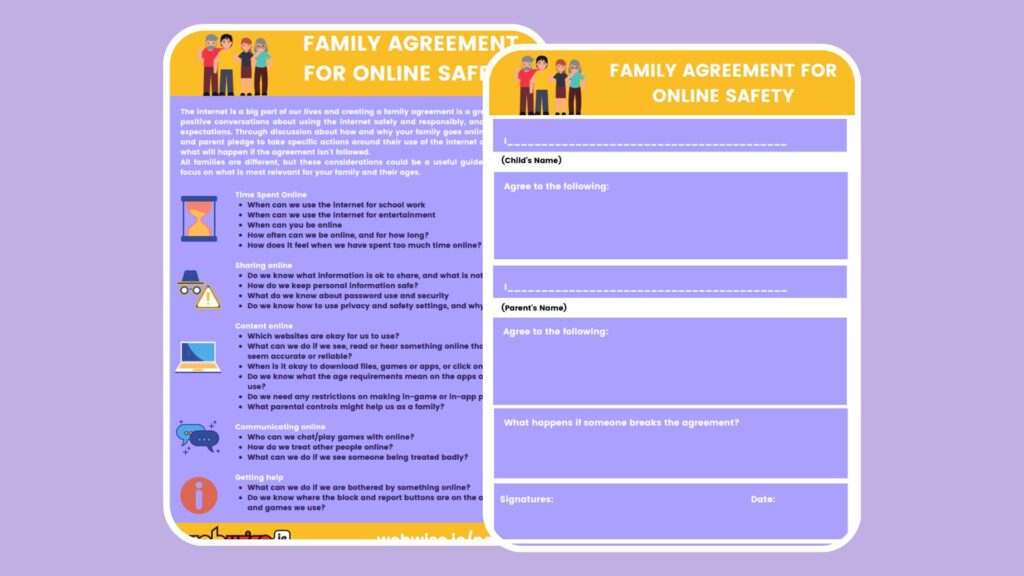
It can be helpful to agree rules together to set clear expectations about how the internet and technology are used at home. Many children enjoy playing games online, but it is important to help them maintain a healthy balance between online and offline activities.
Every family is different, and the Webwise Family Agreement Template can help you focus on what is most relevant for you.
Useful Resources
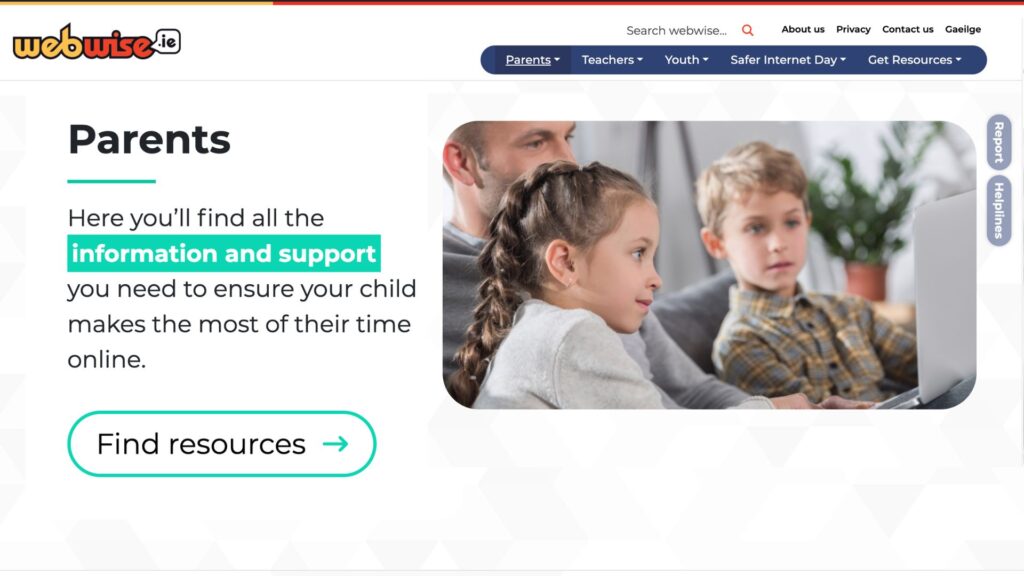
The Webwise Parents Hub has advice from experts on key online safety topics; Explainer Guides; Talking Points; How-To Guides; and free resources.
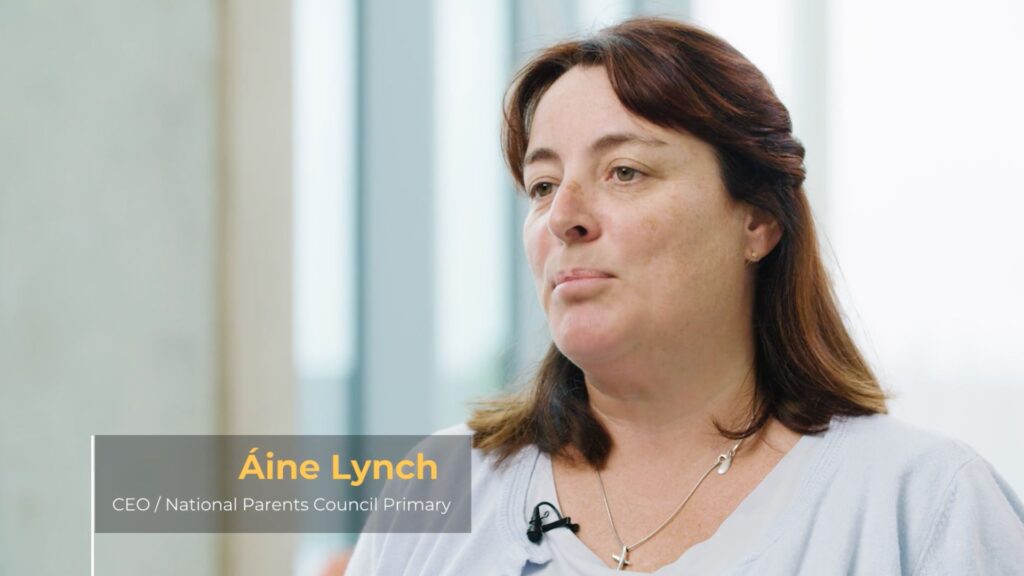
Talking to your child about online safety
Aine Lynch, CEO National Parents Council, has practical advice and guidance on talking to your child about being safe online.
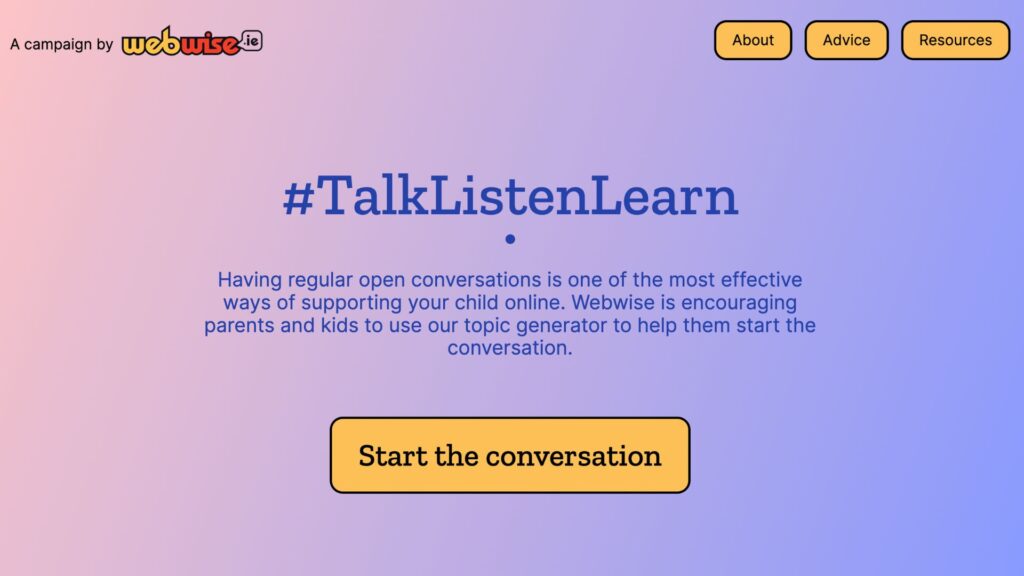
Talk Listen Learn Topic Generator
The Webwise Talk Listen Learn Topic Generator is a fun way to begin conversations with your family about the benefits and challenges of being online.
Every family is different, and creating a Family Agreement is a great way to agree rules together about how you as a family use the Internet and technology.
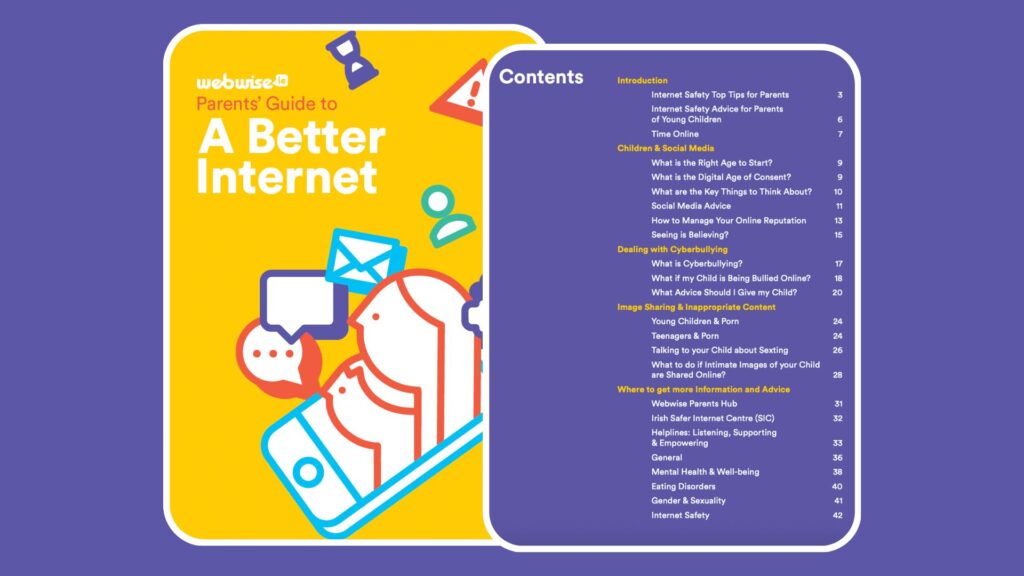
A Parents Guide to A Better Internet
The Webwise online safety booklet for parents has advice and guidance on key topics for parents of children of all ages.
Generative AI is increasingly part of everyday life. This guide, developed in collaboration with the ADAPT Centre and the National Parents Council, has practical guidance to help families navigate GenAI.