Explained: What is YouTube?
YouTube is a video sharing platform where users can watch, like, share, comment and upload their own videos. It also functions like a search engine and social media platform, where users can search for content, and interact with creators and content.
It is one of the most popular platforms for children and young people, with content ranging from entertainment and gaming to education, tutorials and hobbies.
YouTube is available as an app and through a website, so it can be accessed in a variety of ways including through smartphones, tablets, smart TVs, and games consoles.
As well as longer form videos, the platform also features to the popular YouTube Shorts which is short, vertical videos feeds that users scroll through quickly on mobile devices.
What Are the Main Functions of YouTube?
- Users can search for and watch videos
- Create playlists to organise videos and group videos
- Like, comment on, and share videos
- Subscribe to channels
- Create and upload videos to a personal channel
- Live stream content
- Eligible creators can earn money from their content through ads and other features
Most of these functions are available in the long form videos and through the short form videos on YouTube Shorts, although some features work differently depending on the forma
Why children and teens like it?
YouTube can be a great space to discover things they like. For many, it is used to watch videos on almost any topic, from music and gaming to sports, hobbies and learning. Users can also follow creators they enjoy and subscribe to channels they like comedy shows, how to guides, recipes, hacks and more. Through longer videos and short-form clips on YouTube Shorts, users can watch quick videos or spend time viewing longer, more detailed content. It can also be a space they use to keep up with what’s trending or what their peers are watching or talking about.
Age Restrictions
According to their terms of services, users must be 16 years old to use YouTube. If a user is under 18, they must have their parent or legal guardian’s permission to use the Service. (Terms of Service). However, anyone can easily set up a YouTube account with a false date of birth and users can access YouTube without an account.
Safety Features
YouTube has wellbeing and parental controls depending on the child’s age and the amount of freedom you want to give your child.
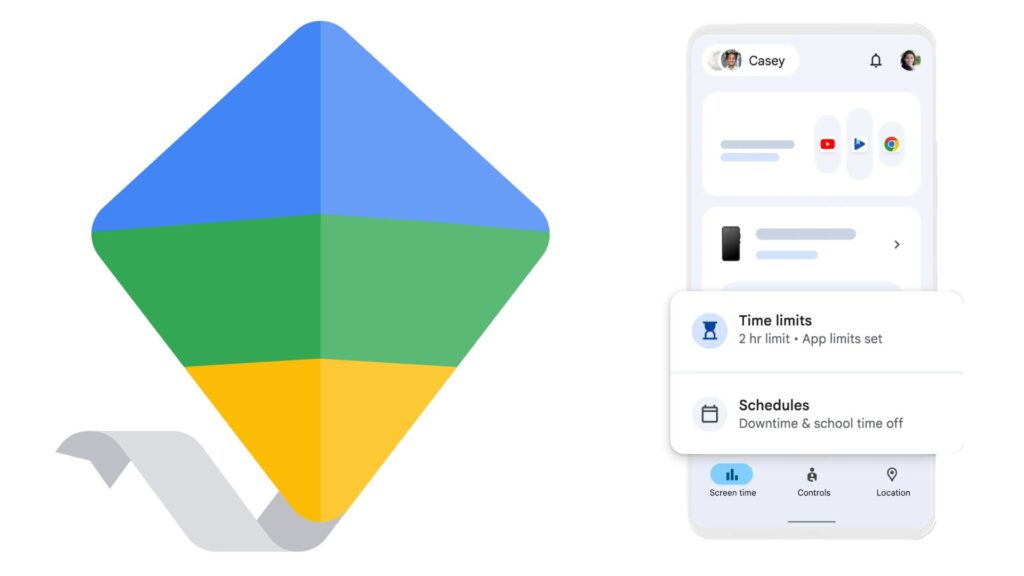
Parents can manage how their child uses YouTube, and monitor their activity, by setting up a Supervised Account through Google Family Link.
Restricted Mode is an optional YouTube setting that will potentially block inappropriate or mature content. When it is turned on some comments may be hidden or certain videos won’t appear in the search results. Restricted Mode can be easily toggled on or off, but when it enabled through Family Link the child cannot change the setting on any device they are signed into.
Standard protections are enabled for users who are determined by YouTube to be under 18. These include enabling wellbeing features by default such as take a break and bedtime reminders; limiting age restricted videos; and privacy reminders. While these protections are enabled if the user is determined to be under 18, the Supervised Account gives parents greater control and transparency around their child’s YouTube experience.
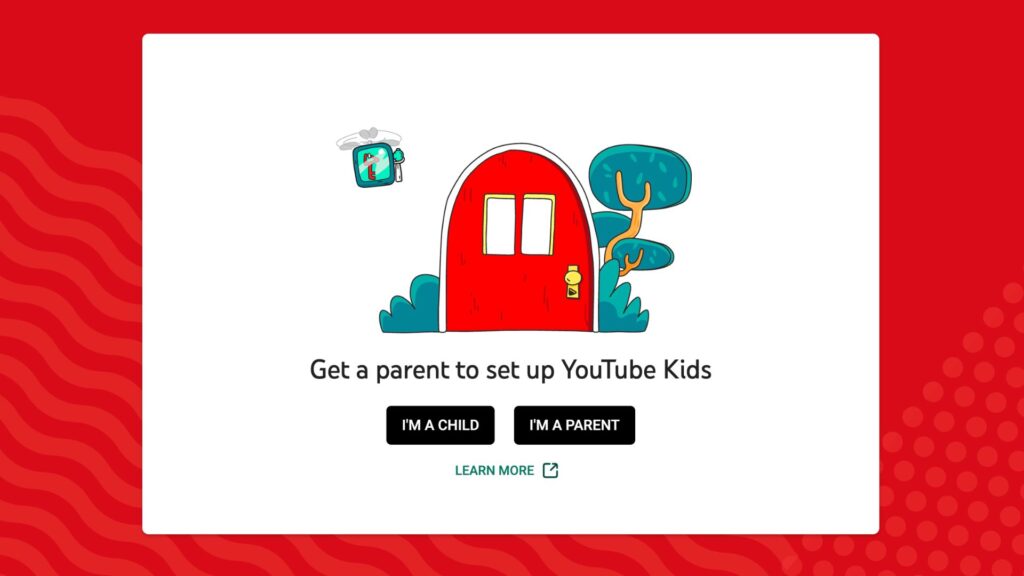
For parents of younger children, YouTube Kids is a version of the platform designed for children aged 12 and under. When setting up a profile parents can choose from three main content levels: Ages 4 and under; Ages 5-7; and Ages 8-12.
In YouTube Kids, parents can set timers to limit screen time, customise what their child watches, and block content.
What Are the Risks?
YouTube is a great place to discover new things, learn and get entertainment, however there are some things parents and teens should be aware of when using the service.
Inappropriate Content: Children could potentially encounter inappropriate content including videos with age-inappropriate themes, violence, sexualised content, harmful language, or misinformation. While parental controls can help to reduce the risk, it is important to speak to your child about what content they are watching, and what to do if they encounter content that bothers or upsets them.
Algorithm-driven recommendations: As with many online platforms or apps, algorithmic recommender systems prioritise engagement and can create a “rabbit hole” effect. By guiding users to towards content based on what they watch and interact with, it risks reinforcing narrow viewpoints and could surface misleading, sensational or mature material.
Mis and disinformation: Distinguishing between credible sources of information, and ones that are false can be difficult, especially when misleading content is delivered in an engaging or authoritative style that makes it seem trustworthy. This isn’t limited to content creators, mis or disinformation can also spread through comments, posts, and increasingly through AI generated content that can appear highly realistic. YouTube has policies against certain harmful misinformation, but there is no guarantee that users won’t encounter problematic content. Encourage your child to Stop, Think, Check and question what they watch and cross check claims with trusted sources.
Platform design features: Features such as infinite scroll, autoplay and notifications are designed to encourage continued viewing and can make it difficult for children to disengage. These features are designed to keep users engaging with the platform. Time spent watching videos can accumulate quickly, often without the child being fully aware of how much time has gone by.
Commercial: YouTube can feature advertising and sponsored content that is not always clearly distinguishable from regular videos, including promotions embedded with content by creators. Unboxing videos for example can function as product placement while appearing to be straightforward entertainment. The line between entertainment and advertising can be blurred, potentially making it difficult for children to recognise commercial content or when they are being marketed to.
Contact: Comments sections and live chats allow direct interaction between users. This means that children can be exposed to unsolicited contact from strangers.
While it’s important to recognise the potential risks, there are practical steps that parents and carers can take to help support their child to use YouTube safely and positively.
Tips for Keeping your Child Safe on YouTube
Ongoing Conversations
The most effective way parents can support a safe and positive online experience is by keeping communication open and ongoing. Talking regularly with children about their online lives, including both the benefits and the challenges they may encounter, helps build trust and awareness.
Parental controls
Parental controls are important tools to help support your child to have a safe experience. Explore the YouTube parental control tools that are available to help manage how your child is using the platform. Supervised Accounts can used to manage what your child can watch, limit or disable search, set screen time reminders, and review watch history. YouTube Kids is a more controlled environment for younger children with curated content and additional parental controls. While these controls helpful to reduce risk, it’s important to recognise that they aren’t foolproof, and children may also access YouTube without being signed in to a monitored account. They are best used in combination with ongoing parental guidance and conversations about online safety.
Stop, Think, Check
Encourage your child to Stop, Think, Check. Help them to think critically about the content they are consuming, and to question if what they are seeing, hearing or reading is accurate and reliable. Discuss how recommendations and influencers work, and that not everything they encounter is accurate and trustworthy.
Algorithm and recommender systems
Help your child understand how the algorithmic recommender system works, and that it is shaped by what they watch or engage with. Explain that their choices influence the content they are shown over time. Under the EU Digital Services Act, major platforms must provide options to reset or depersonalise recommendation systems. This can help young people see a broader range of content and reduce “rabbit hole” effects. Encourage them to explore how to reset their algorithm.
Teach them to block channels or report users or inappropriate content, and to talk to you if they encounter something that upsets or bothers them.
Help them find high-quality content
YouTube has lots of great content, help your child get the most out of it by guiding them towards high-quality, age-appropriate content. Exploring channels together, subscribing to trusted educational content or creators, and encouraging your child to seek out content linked to their hobbies or interests can help shape a more positive experience.
Agree Rules
It can be helpful to agree rules together to set clear expectations about how the internet and technology are used at home. Every family is different, and the Webwise Family Agreement Template can help you focus on what is most relevant for your family and your child’s age.
Useful Resources:
Webwise Parents Hub
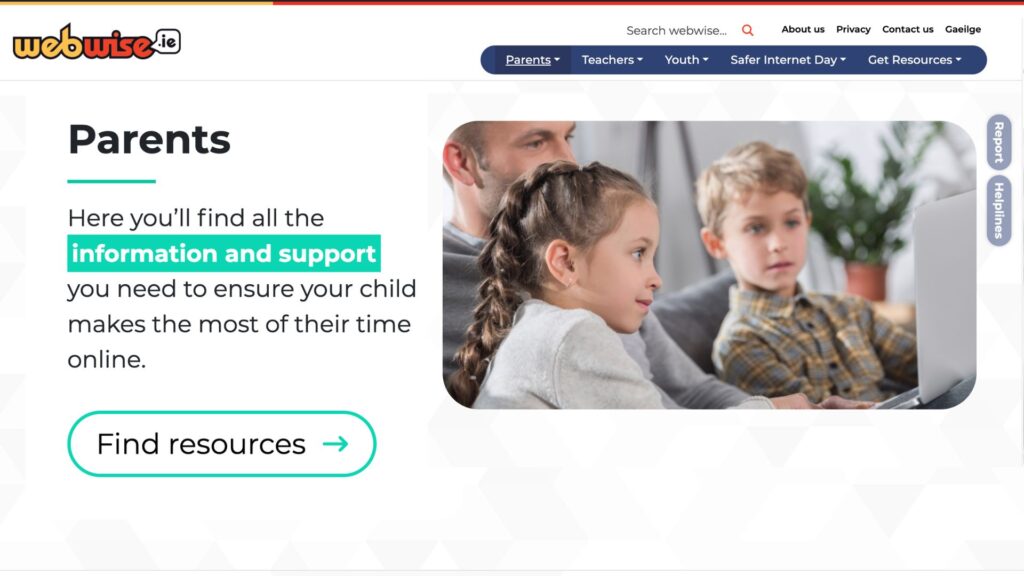
The Webwise Parents Hub has advice from experts on key online safety topics; Explainer Guides; Talking Points; How-To Guides; and free resources.
Talking about online safety
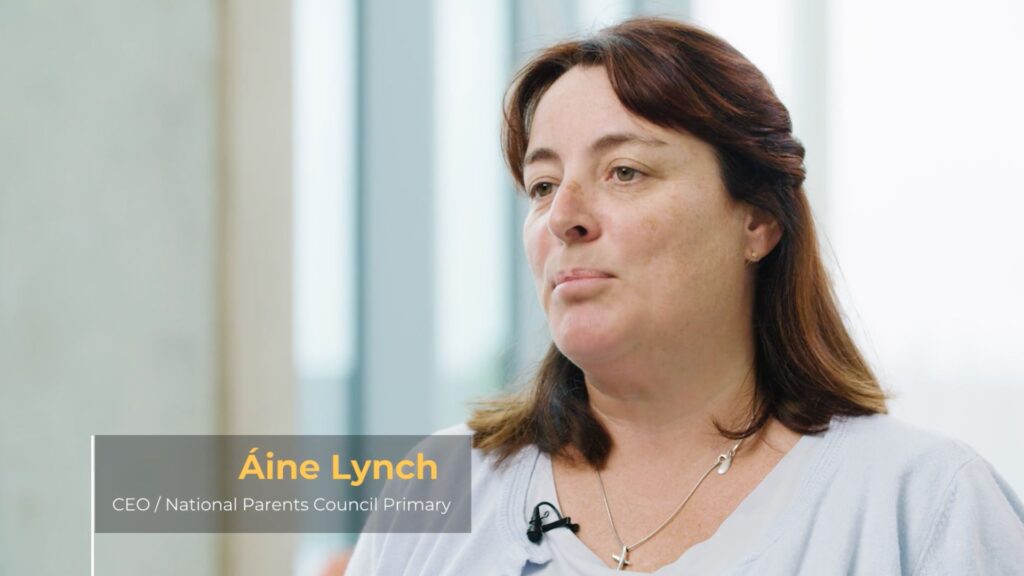
Aine Lynch, CEO National Parents Council, has practical advice and guidance on talking to your child about being safe online.
Family Agreement
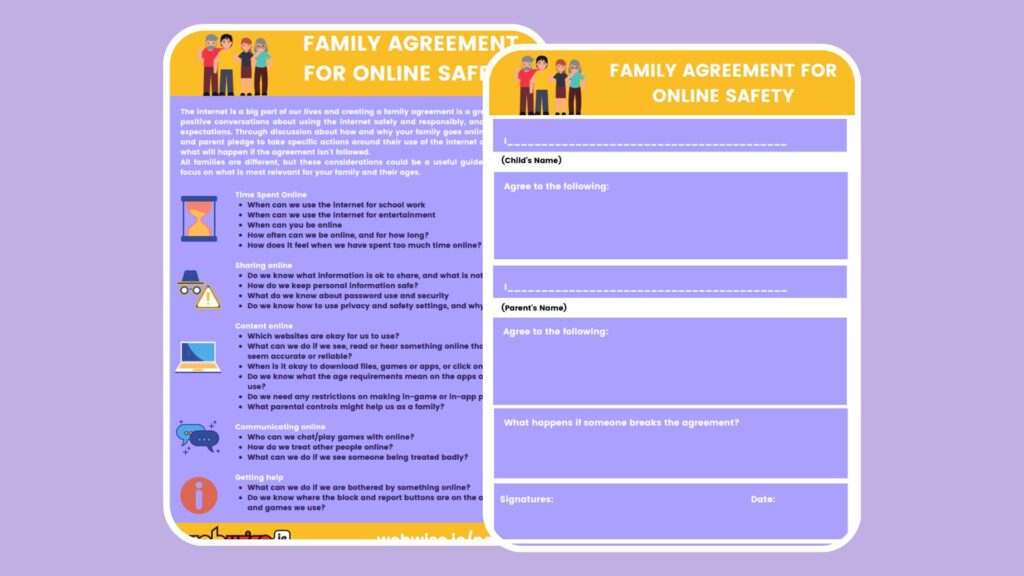
Every family is different, and creating a Family Agreement is a great way to agree rules together about how you as a family use the Internet and technology.
Talk Listen Learn Topic Generator
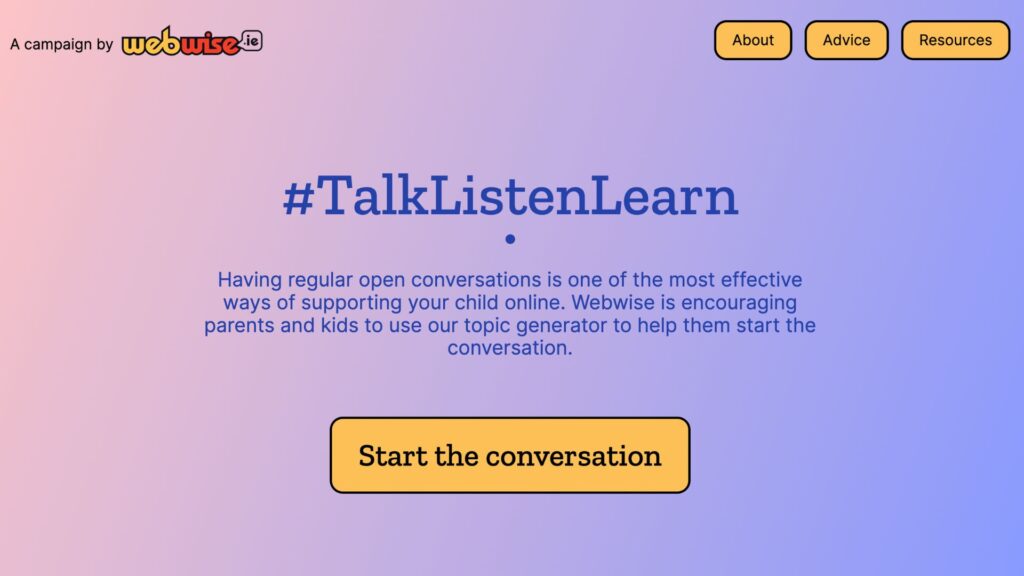
The Webwise Talk Listen Learn Topic Generator is a fun way to begin conversations with your family about the benefits and challenges of being online.
A Parents’ Guide to a Better Internet
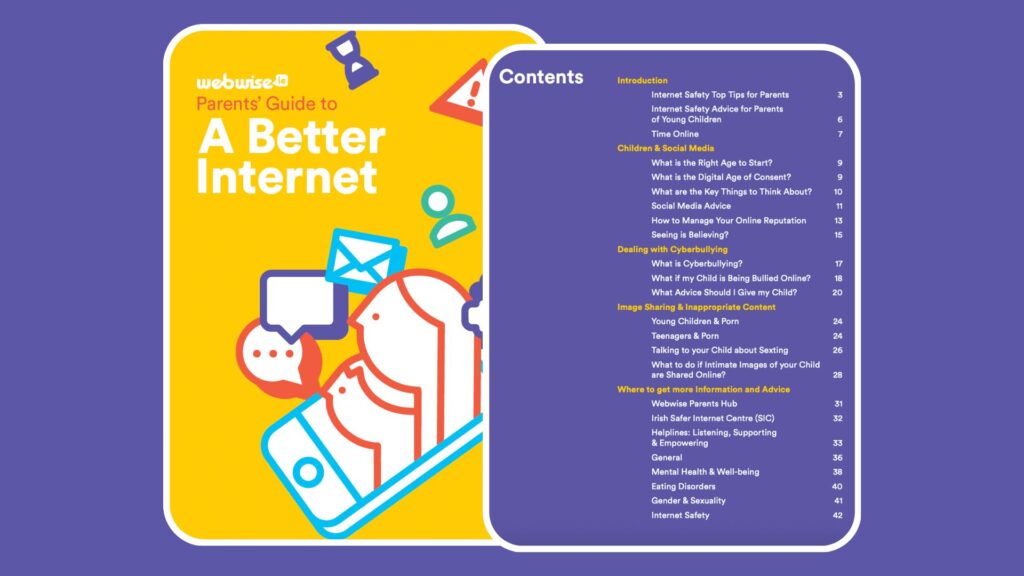
Advice and guidance on key topics for parents of children of all ages.
A Parents’ Guide to GenAI
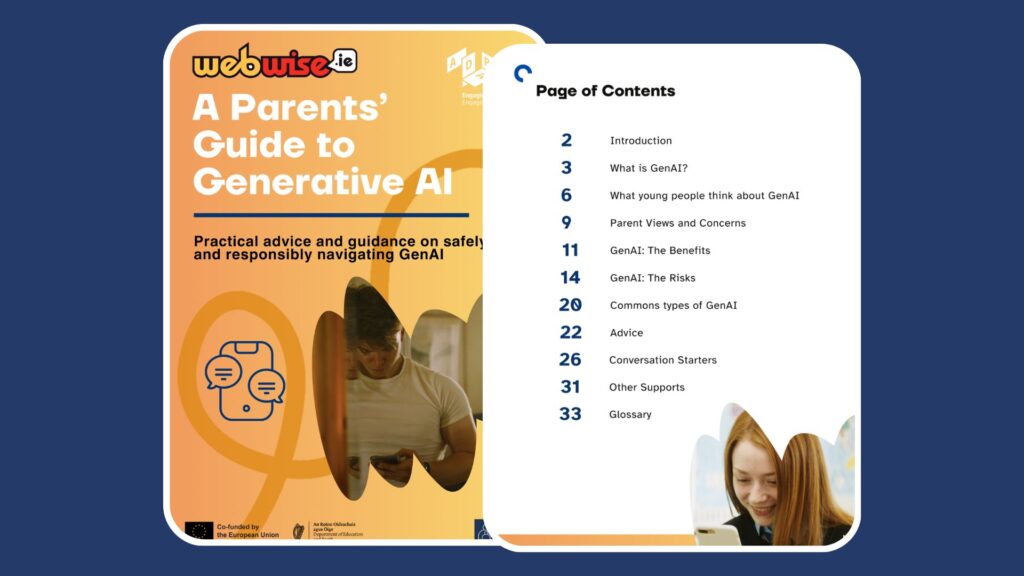
Practical advice and guidance on safely and responsibly navigating GenAI.